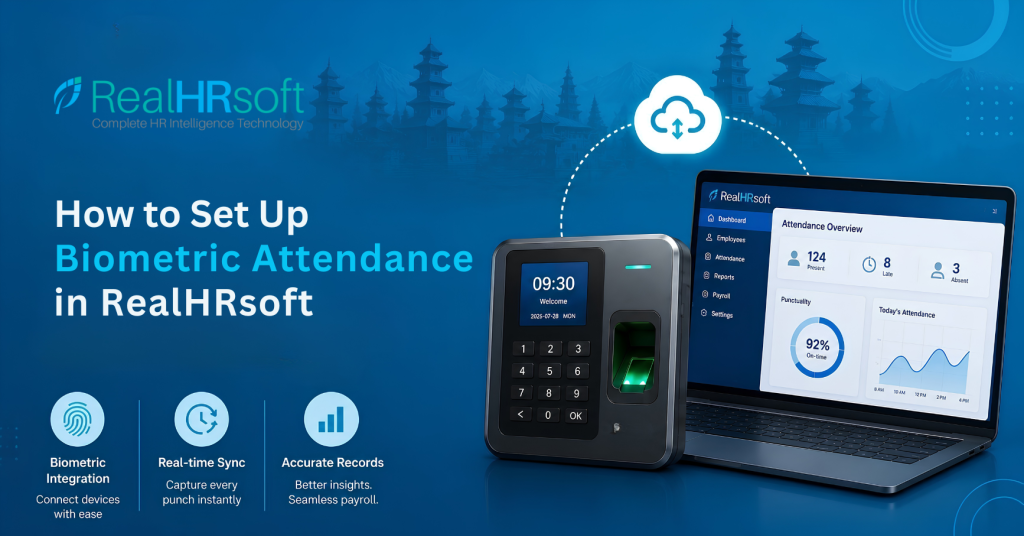
How to Set Up Biometric Attendance in RealHRsoft
Overview
Biometrics integration will ensure that fingerprints and facial recognition systems are integrated with RealHRsoft to allow for each punch-in and punch-out process to be registered into the software instantly. There is no need for any spreadsheets or other manual input at all. Once set up, attendance will be used in payroll processing immediately.
With your biometric attendance machines from ZKTeco or HikVision integrated directly within the RealHRsoft platform, all punches for attendance by your employees will be captured directly in your system on a real-time basis. There is no need for any spreadsheets or other manual input at all. Once set up, attendance will be used in payroll processing immediately.
Problem It Solves
Most Nepali employers still run attendance through paper registers, standalone biometric software, or disconnected Excel sheets every month. This creates three recurring problems:
- HR spends hours reconciling punch in data before every payroll run
- Manual entry introduces errors that trigger employee disputes over leave deductions or overtime pay
- When the Department of Labour audits, there is not a definite attendance record available.
For a workplace where working hours (8 hours/day, 48 hours/week) and overtime must be documented. A disconnected system is itself a compliance gap.
Step-by-Step Process
- Add your biometric device: Go to Organization Settings → Attendance → Device Settings and register the device. RealHRsoft supports integration with ZKTeco and HikVision biometric hardware. To start- enter the device name, connection mode, and location (branch or office).
- Configure the sync mode: Choose how punch data transfers from the device to RealHRsoft. It can be either real-time sync or scheduled sync based on your biometrics device’s features. This determines how quickly attendance shows up in the system after an employee punches in.
- Set up working shifts: Under Attendance → Settings → Working Shift, define shift timings for each employee group (general shift, rotational shift, or night staff). Every biometric punch is checked against the assigned shift to calculate working hours, overtime, including flagging late arrivals automatically.
- Assign devices to employees: Open Individual Attendance Settings and map every employee’s biometric ID to the device they’ll be punching on. The mapping is what turns a raw scan into an attendance record tied to the right employee.
💡 Tips: For offsite attendance requests, instead of having biometric punching, you can record attendance by setting up the attendance from mobile devices. Web-Attendance can be set-up depending upon the requirement as well. - Review the first daily report: Use the Individual Daily Attendance or Daily Attendance report to confirm present/absent status, break in/out times, and any irregularities are being captured correctly before rolling out company-wide.
- Enable irregularity and penalty rules (optional): If your organization enforces a late-arrival or attendance penalty policy, configure this under Attendance Settings so the system flags or calculates penalties automatically once biometric data starts flowing in.
How RealHRsoft Helps
Our Attendance Module in RealHRsoft integrates directly with biometric devices of such companies as ZKTeco and HikVision and does not need any exporting, cleaning, and re-uploading of the punch data. After all the necessary integration has taken place, our Payroll Automation Module receives the attendance data right away without any need for transferring data between the modules.
RealHRsoft also goes a step further on insight, it shows employers a Punctuality percentage, total working hours, total lost hours, and attendance behavior trends for each employee. It shows a depth of visibility that most HR software in Nepal simply doesn’t offer. Instead of just knowing who punched in and out, HR can actually see who’s consistently on time, where hours are being lost, and which teams need attention, before it becomes a bigger performance or compliance issue.
In short, RealHRsoft is not just an attendance tracker, but a management layer that hands HR the data they need so they can focus on strategy rather than unwanted performance and attendance issues.
Conclusion
Stop reconciling attendance by hand — automate it from the first punch. Book a demo to see how RealHRsoft connects your biometric devices straight into payroll.